


Hikvision AcuSeek explained: the installer’s guide to AI video search

Every installer knows the job that nobody enjoys: a customer rings about an incident, and someone has to scrub through hours of recorded footage frame by frame to find a person in a red jacket or a white van that passed through at some point yesterday afternoon. It is slow, it is billable time the customer resents paying for, and it is the part of the trade that artificial intelligence (AI) was always going to come for first.
Hikvision’s AcuSeek is that reckoning. Launched in 2025 and built into the new VPro range of network video recorders (NVRs), it lets an operator describe what they are looking for in plain English and have the system surface the matching clips in seconds. This guide explains exactly what AcuSeek does, what it needs to work, where it earns its keep, and the practical considerations to weigh before you spec it on your next job.
What is AcuSeek?
AcuSeek is an on-device AI video search engine that lives inside the NVR. Rather than tagging footage against a fixed list of pre-set events, it understands natural-language descriptions and matches them against what the cameras actually recorded.
It runs on Hikvision‘s proprietary Guanlan large-scale AI models — specifically a large multimodal model (LMM), which is an AI model trained to understand images and written language together. In practical terms, AcuSeek maps both the footage and your text query into the same “understanding,” so a phrase like “person walking a dog” or “delivery truck” can be matched directly against the visual content. Hikvision describes the three pillars as search broadly, search instantly and search accurately: it covers common security subjects such as people, motor vehicles and non-motor vehicles, returns results in seconds, and aligns the features in the image with the meaning of your search terms for precision.
Crucially, all of this processing happens locally on the recorder. There is no cloud dependency and no footage leaving site to be analysed, which matters for both speed and data protection — a point worth making to any customer nervous about where their video ends up.
AcuSeek vs AcuSearch — know the difference
These two names appear together on the same product listings and are easy to conflate, so it is worth being precise with customers:
AcuSeek
AcuSeek is the natural-language search. You describe a subject — by appearance, object type or behaviour — and it finds matching footage across your cameras. Some models also support image-to-image search and open-vocabulary object detection (OVD), which lets you search for objects beyond the standard pre-set categories.
AcuSearch
AcuSearch is the follow-up step. Once AcuSeek has surfaced candidates, AcuSearch pinpoints one specific target — say, a grey Audi SUV — across every scene it appears in, building a timeline of its movements through the site for forensic review.
The benefits for your customer — and your business
- Investigation time collapses from hours to seconds. This is the headline. Incident review that used to tie up a member of staff for an afternoon becomes a single typed query.
- Anyone can use it. Searching is as simple as using a search engine. Your customer’s reception or duty manager can find a clip without needing to understand timelines, channels or motion grids.
- It searches across all cameras at once. No more guessing which channel the subject walked past.
- It works the way real incidents are described. Witnesses say “a man in a black top with a backpack,” not “channel 4, 14:32.” AcuSeek speaks that language.
- Multi-platform access. Searches can be run on the NVR’s local interface, the NVR 5.0 web interface, HikCentral Professional and HikCentral Lite, and from a mobile device via Hik-Connect.
For you as the installer, that translates into a stronger upsell: a recorder that demonstrably saves the customer time is far easier to justify than one more box of storage.
The product range
AcuSeek is positioned across three tiers, and which one you specify depends on channel count and camera compatibility:
- I/VPro Series NVRs — the entry point and the workhorse for most commercial installs, supporting up to 64 channels of AcuSeek and AcuSearch. UK examples include the 4-channel DS-7604NXI-K1/4P/VPro, the 8-channel DS-7608NXI-I2/8P/VPro and the 32-channel DS-7732NXI-I4/VPro, with Power over Ethernet (PoE) variants for plug-and-play camera installs.
- DeepinMind Pro NVRs — a step up in compatibility, able to deliver AcuSeek functions even with non-AI Hikvision IP cameras.
- Fusion Server Ultra — the high-capacity option, supporting up to 256 channels of AcuSeek and AcuSearch, OVD, and structured modelling for faces, people and vehicles. This is the choice for large estates and centralised command centres.
Modelling capacity is model-dependent — entry-level VPro recorders model in the order of 50,000 targets per day — so always check the specific datasheet against the customer’s camera count and traffic levels before committing.
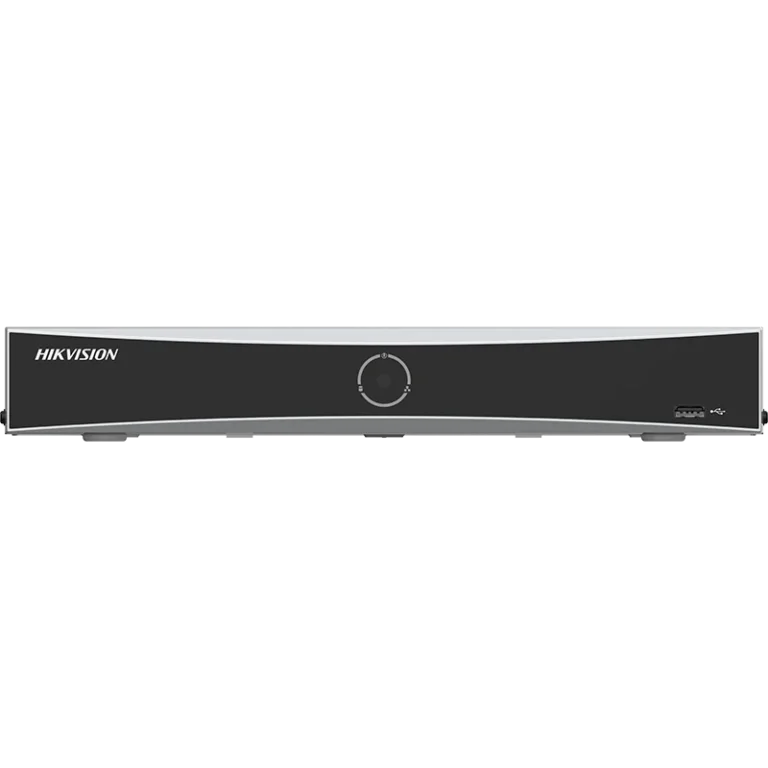 Hikvision DS-7604NXI-K1/4P/VPro | 4-Channel 4K AcuSeek K VPro NVR | AcuSearch, 12MP Decoding, 40Mbps Bandwidth
 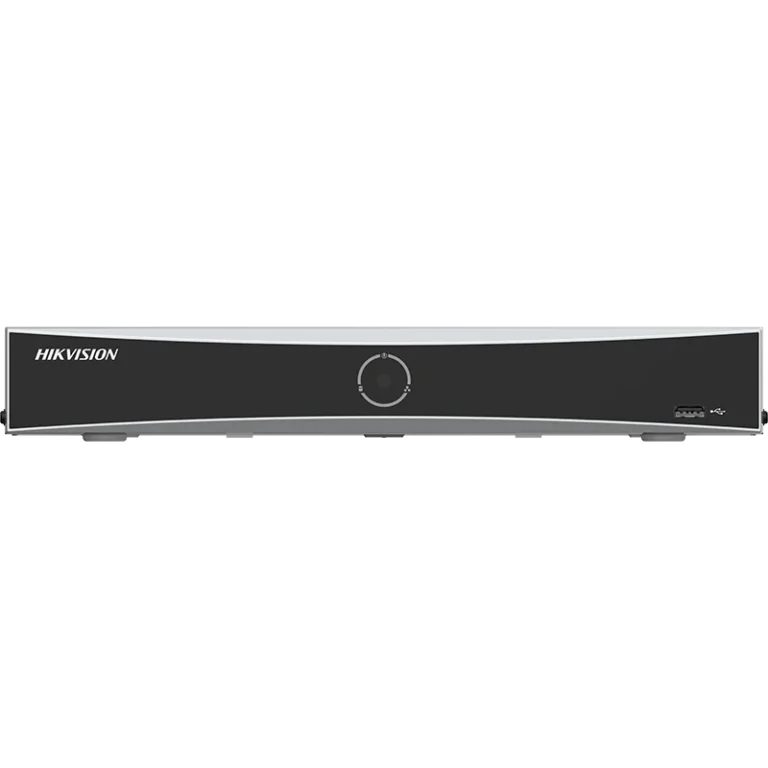 Hikvision DS-7608NXI-K1/8P/VPro | 8-Channel 4K AcuSeek K VPro NVR | AcuSearch, 12MP Decoding, 80Mbps Bandwidth
 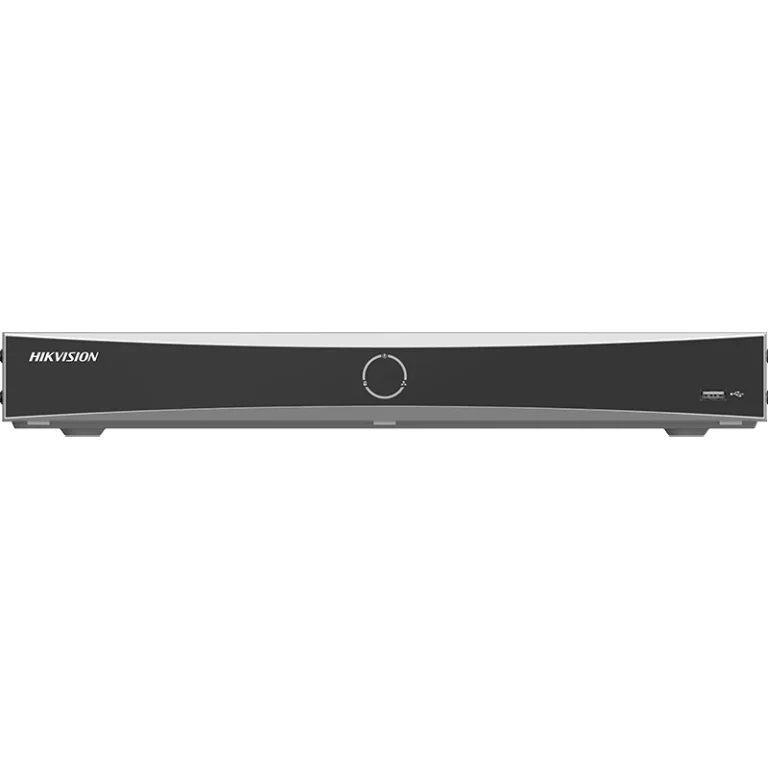 Hikvision DS-7608NXI-K2/8P/VPro | 8-Channel 4K AcuSeek K VPro NVR | AcuSearch, 12MP Decoding, 80Mbps Bandwidth
 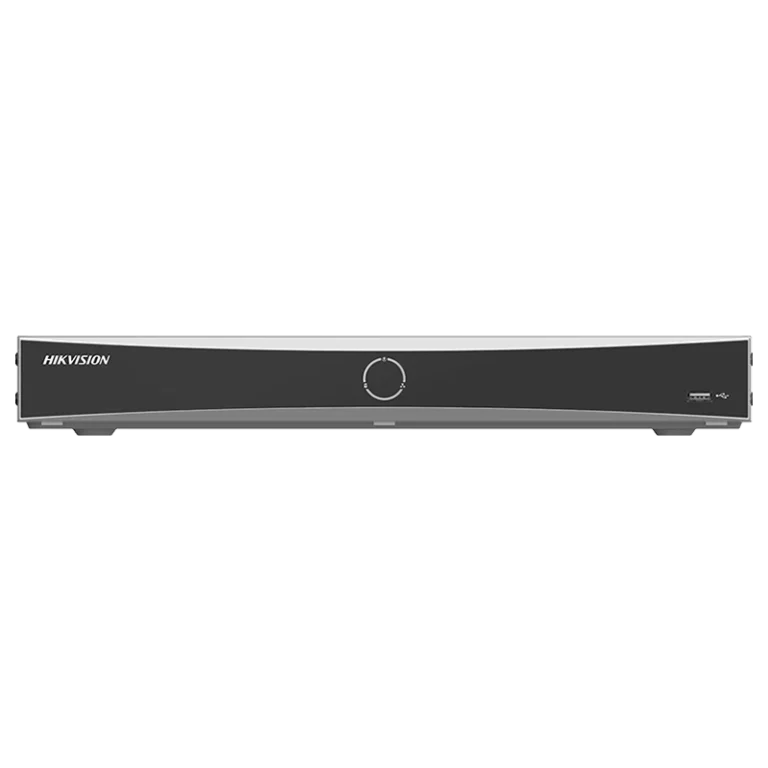 Hikvision DS-7616NXI-K2/16P/VPro | 16-Channel 4K AcuSeek K VPro NVR | AcuSearch, 12MP Decoding, 160Mbps Bandwidth
 Considerations and pitfalls — read before you spec
This is where the trade earns trust, so here are the honest catches:
- Camera compatibility is the big one. On the I/VPro Series, full-channel AcuSeek needs Hikvision AcuSense cameras with the AcuSearch function enabled. Series 2 AcuSense cameras (the 2XXXG2 and G3 ranges) are generally compatible; Series 1 cameras (1XXXG2/G3) are not, and panoramic cameras are excluded. If you need AcuSeek to work with non-AI or third-party cameras, you must move up to DeepinMind Pro or Fusion Server Ultra.
- Watch the resource trade-off on retrofits. If you are replacing an existing NXI recorder where the NVR’s own analytics were carrying non-AI cameras, be aware that when the VPro’s processing is allocated to AcuSeek and AcuSearch, there may not be engines left to run AcuSense on non-AcuSense cameras. The safe rule on a VPro install: plan for every camera to be AcuSense-capable.
- It is a maturing platform. Some functions — Hik-Connect mobile search among them — were enabled through firmware updates after launch. Commission on current firmware and set the expectation that the feature set is still developing.
- Search quality reflects footage quality. This is semantic search, not magic. Poor lighting, awkward angles or low resolution will limit what the AI can match, and you can tune the similarity threshold to widen or narrow results. Good camera placement still matters.
- Procurement context — the NDAA question. For the great majority of UK commercial and private installs, there is no legal barrier to specifying Hikvision. However, Section 889 of the US National Defense Authorization Act (NDAA) restricts Hikvision equipment on US federal projects and federally funded work, and in November 2022 the UK government directed departments to stop installing this equipment at sensitive central-government sites. If your job touches government, critical national infrastructure or US federal funding, confirm the deployment context before you order. For everything else, it does not apply.
Where AcuSeek makes the biggest difference
The use cases that sell themselves are high-traffic sites where manual review is genuinely painful: retail and shopping centres tracing a shoplifter or a lost child, warehouses and logistics yards locating a specific vehicle, transport hubs finding an abandoned bag, and industrial sites checking compliance (“people without safety helmets”). Pubs, restaurants, offices and multi-site estates all see the same time saving the moment an incident needs reviewing.