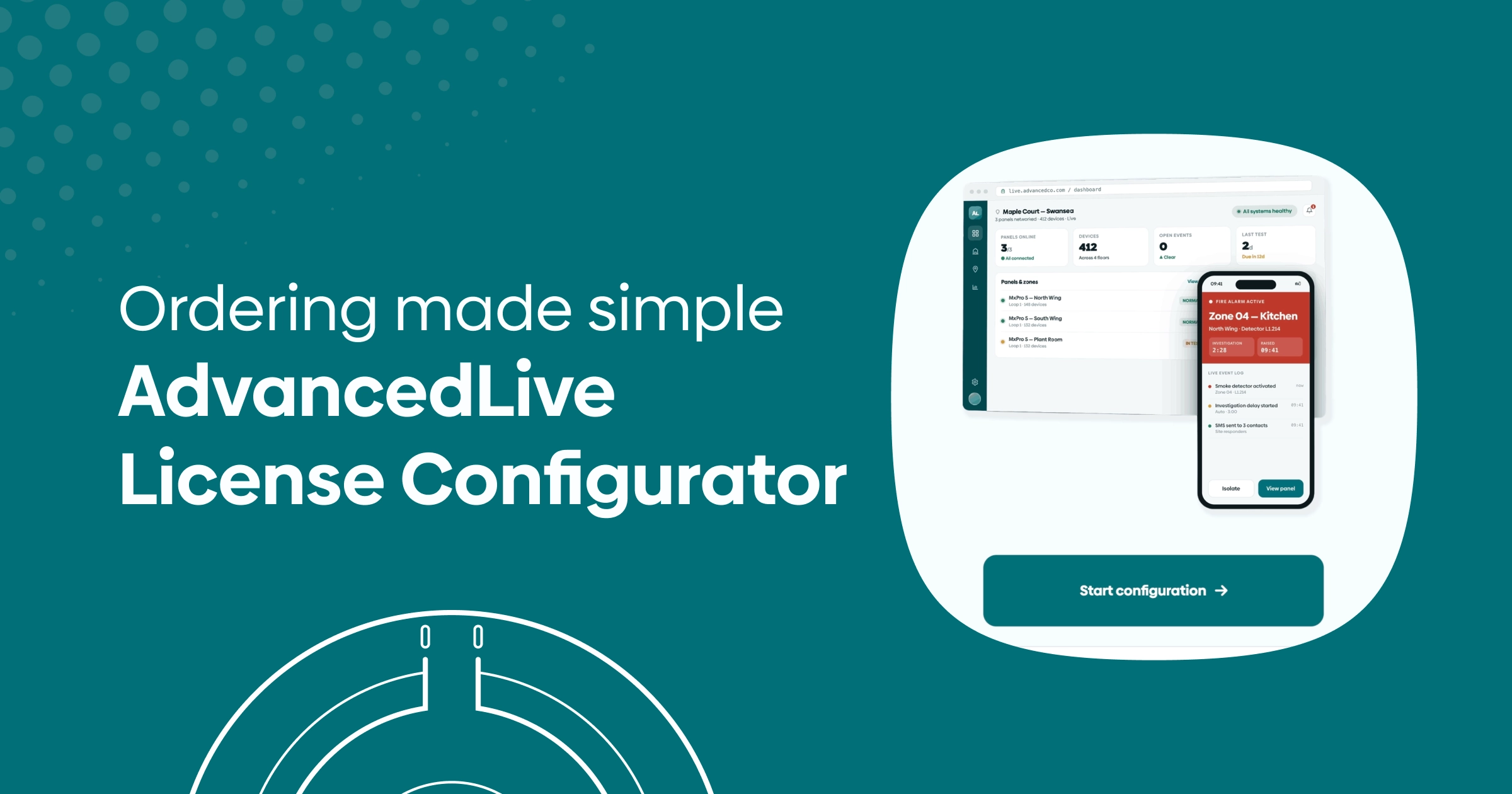
AdvancedLive gives you and your end users a smarter way to monitor Advanced MxPro 5 fire systems remotely. But getting from “this site needs AdvancedLive” to the correct combination of subscriptions and mapping licences has sometimes been a bit of a head-scratcher.
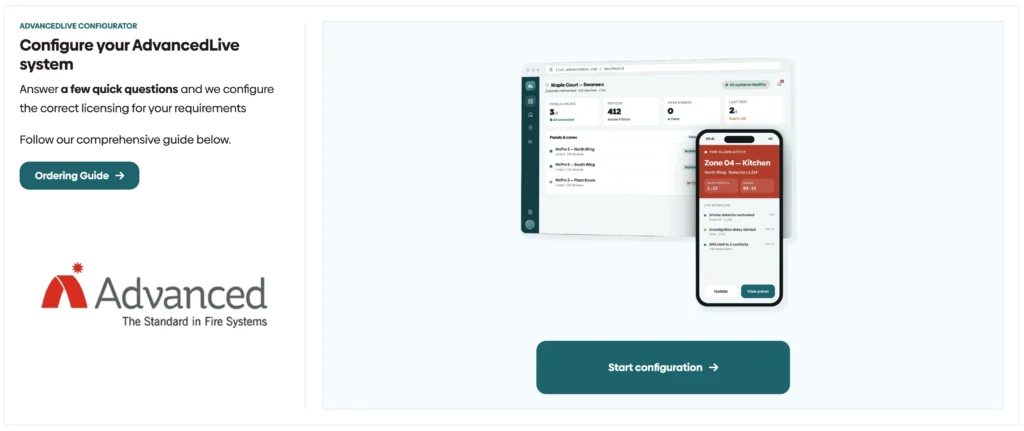
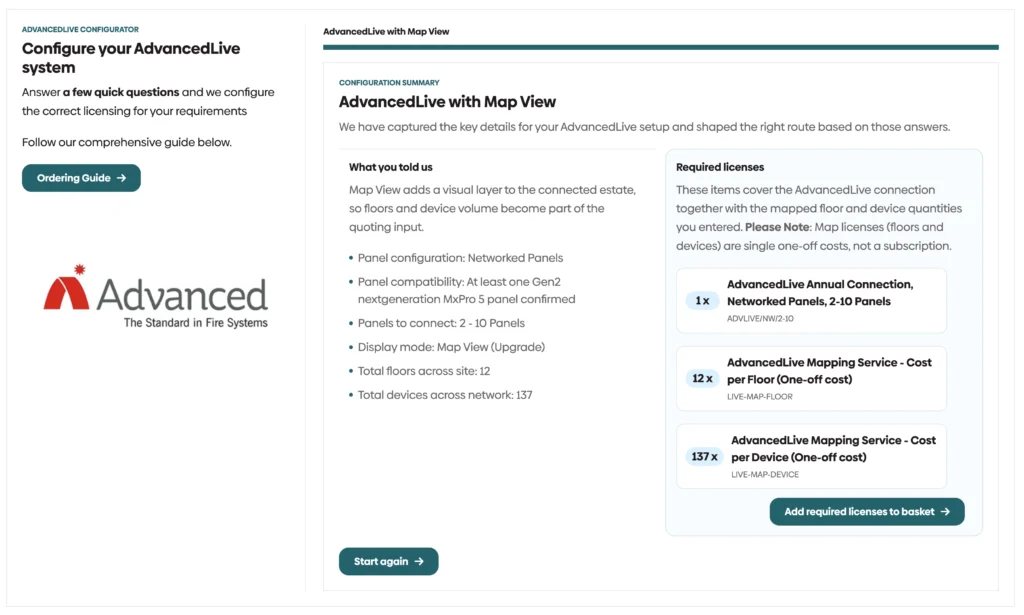
So, we’ve built a new AdvancedLive configurator into the Huvo website. Answer a few practical questions about the installation and it works out the licences you need, with the correct quantities ready to add to your basket. Less time checking part codes, less second-guessing and a much cleaner route from site survey to order.
Start with the panel configuration
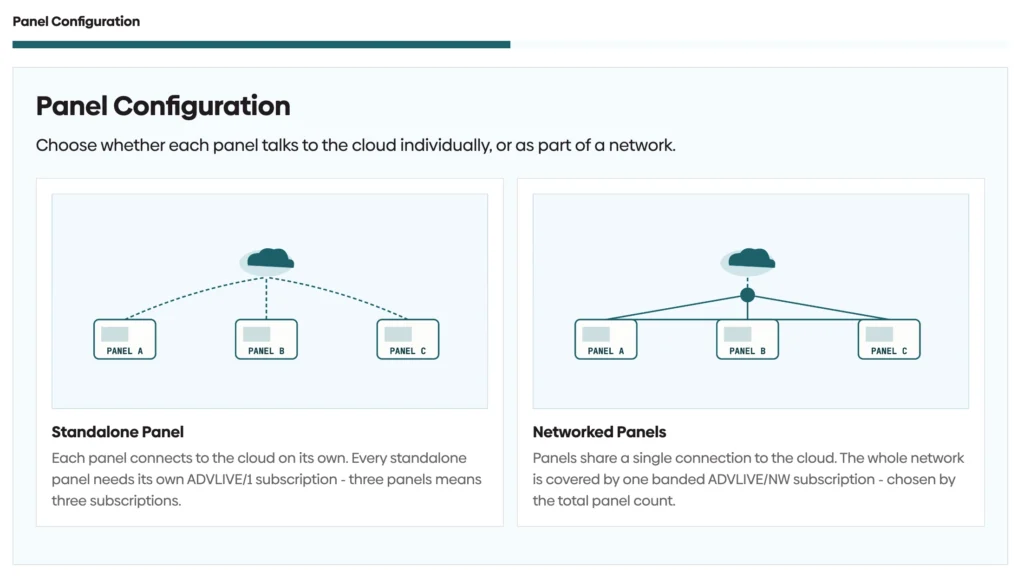
The first decision is whether the site uses standalone or networked panels.
Each standalone panel connects to the cloud independently, so every panel requires its own ADVLIVE/1 annual subscription. Networked panels share a single cloud connection, with one subscription selected according to the total number of panels across the network.
The configurator takes care of that distinction for you. Select the arrangement, enter the number of panels and it automatically identifies the right subscription and quantity.
It also helps you check compatibility before you go any further. AdvancedLive requires a next-generation MxPro 5 panel with an Ethernet port built into the base card. The easiest visual check is the red “Get Connected” sticker on the panel fascia or outer box. If it isn’t there, speak to us before quoting — the panel may need upgrading first.
Choose list view or map view
Every AdvancedLive subscription includes list view as standard. This presents zones, devices and events in a clean, sortable format, with no additional display licence required.
For sites that need a more visual overview, map view adds graphical floor plans showing the position and status of devices across the building. This is particularly useful for larger, multi-storey or multi-building sites where operators need to understand an incident location quickly. Unlike the connection subscription, mapping licenses are a one-off cost – there’s nothing recurring to build into the annual charge.
Because map view is built around the individual installation, its cost is calculated using two figures: the number of floors being mapped and the number of device addresses being plotted. The configurator asks for both and adds the correct quantities of Live-Map-Floor and Live-Map-Device to the recommendation. As-fitted drawings will also need to be supplied so the maps can be created accurately.
From three site details to a complete order
In most cases, the configurator only needs three numbers:
- The number of panels, and whether they are standalone or networked
- The total number of floors requiring map view
- The total number of device addresses to be plotted
For the device quantity, use the “Devices used” column in the Advanced configuration file rather than counting individual points manually.
Take a site with three networked panels across two six-storey buildings, with 137 device addresses. The completed order would contain one network subscription covering the three panels, 12 floor-mapping licences and 137 device-mapping licences. The configurator performs that calculation automatically and presents the required items as one clear recommendation.
Quicker quotes. Cleaner orders.
AdvancedLive is designed to scale from a single panel to a large networked estate, but that flexibility naturally creates a few different ordering routes. Our new configurator turns those routes into a short, guided process — helping you quote more confidently and reducing the chance of a missing or incorrectly selected licence. Once the panel arrangement and optional mapping requirements are covered, the site can add as many authorised users as it needs.
Try the new AdvancedLive configurator and build the correct licence package for your next project. If the panel isn’t AdvancedLive-ready, or the installation falls outside the usual setup, speak to the Huvo team and we’ll help you put the right quote together.